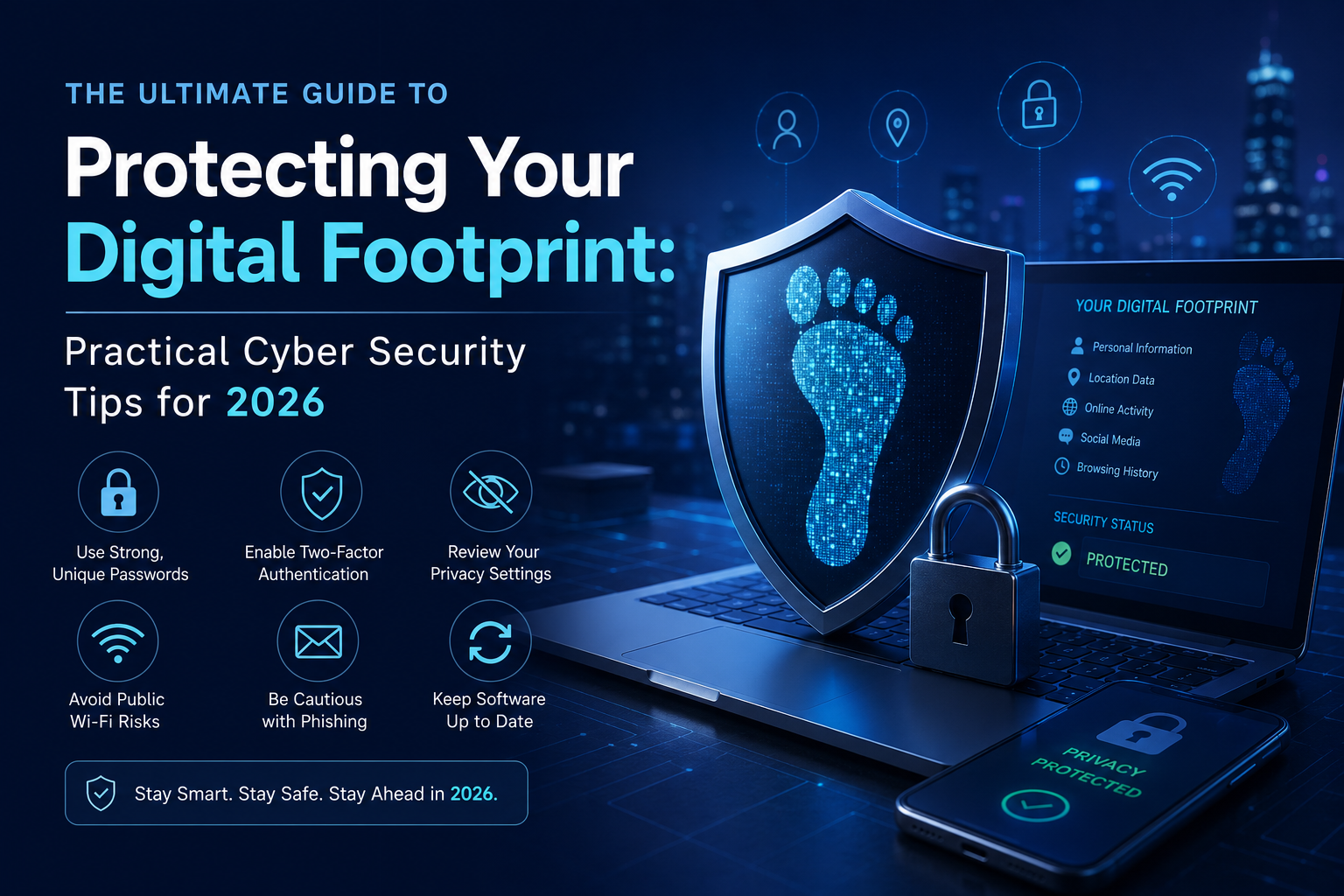
Every single day, we log into dozens of websites, apps, and online platforms. We check our bank accounts, shop for clothes, chat with friends, and sign up for interesting newsletters. To us, it’s just daily life. But to hackers, data brokers, and cybercriminals, it’s a goldmine of information known as your "digital footprint."
If you have ever felt like your online privacy is slipping away, you are not alone. Cyber threats have become incredibly sophisticated, but protecting yourself doesn’t require a degree in computer science. It just requires a few smart, daily habits.
Here is a practical, human-friendly guide to securing your personal data and keeping your digital footprint clean.
1. Stop Reusing Your Passwords (Seriously!)
We get it. Remembering twenty different, complex passwords is a nightmare. That is why millions of people use the exact same password for their social media, their favorite shopping site, and even their primary email address.
However, this is the digital equivalent of having one master key for your house, your car, and your office. If a hacker breaches a small, insecure online store where you once made a purchase, they instantly gain access to every other account you own.
-
The Fix: Start using a reputable password manager. These tools generate and store strong, unique passwords for every site you visit. You only need to remember one master password, and the tool does the rest.
2. The Power of Two-Factor Authentication (2FA)
Think of a password as the front door lock. Two-Factor Authentication (2FA) is the security guard standing right behind it. Even if a cybercriminal manages to steal or guess your password, 2FA prevents them from logging in because they still need a secondary code sent to your phone or an authenticator app.
Whenever a website asks you to enable 2FA, do not skip it. It takes an extra five seconds during login but stops over 99% of automated cyberattacks instantly.
3. Be Extremely Skeptical of Public Wi-Fi
Free Wi-Fi at your local coffee shop, airport, or hotel is incredibly convenient. Unfortunately, it is also a favorite hunting ground for hackers. Public Wi-Fi networks are often unencrypted. This means someone sitting just a few tables away could be running simple software to monitor your online traffic and steal your credit card details or login credentials.
-
Pro Tip: If you must use a public network, never access sensitive accounts like online banking. If you have to work on the go, always use a reliable Virtual Private Network (VPN) to encrypt your connection, or simply use your phone's cellular data hotspot.
4. The Hidden Threat of "Phishing"
Cybersecurity is not just about complex code and malware; it is also about human psychology. "Phishing" is when scammers send emails, text messages, or direct messages pretending to be a trusted entity—like your bank, Netflix, or a delivery service—urging you to click a link and "verify your details."
These messages often create a false sense of urgency (e.g., "Your account will be suspended within 24 hours!"). Once you click the link, you are taken to a fake website designed to steal your credentials.
-
How to stay safe: Never click on links in unexpected emails. If your bank sends an urgent alert, open a new browser tab, type the bank’s official URL manually, and log in securely to check for notifications.
5. Protect Your Primary Email Inbox
Your primary email address is the crown jewel of your digital life. It is connected to your bank accounts, government IDs, and social media. When you throw your real email address into random forums, temporary coupon websites, or sketchy download pages, you are exposing it to endless spam and potential leaks.
To keep your digital footprint secure, use a temporary email service for one-time registrations and untested websites. This keeps your real inbox completely hidden, clean, and safe from unexpected data breaches.
Conclusion
Cyber security in 2026 isn't about hiding in a bunker or avoiding the internet entirely. It is about building smart walls around your private life. By using unique passwords, enabling 2FA, staying cautious of suspicious links, and guarding your real email address, you can enjoy the digital world with total peace of mind.
Your data belongs to you—make sure it stays that way.