We have all been there. You open your primary email inbox expecting an important message from a colleague, a client, or a family member, only to find yourself drowning in a sea of unread promotional junk, fake lottery wins, and newsletters you never remember signing up for.
As digital footprints expand, our email addresses have become highly valuable commodities. E-commerce platforms, forums, and random websites constantly ask for our emails. While it seems harmless at first, many of these platforms sell their databases to third-party marketers, or worse, fall victim to data breaches. The result? A cluttered, unsafe inbox full of spam.
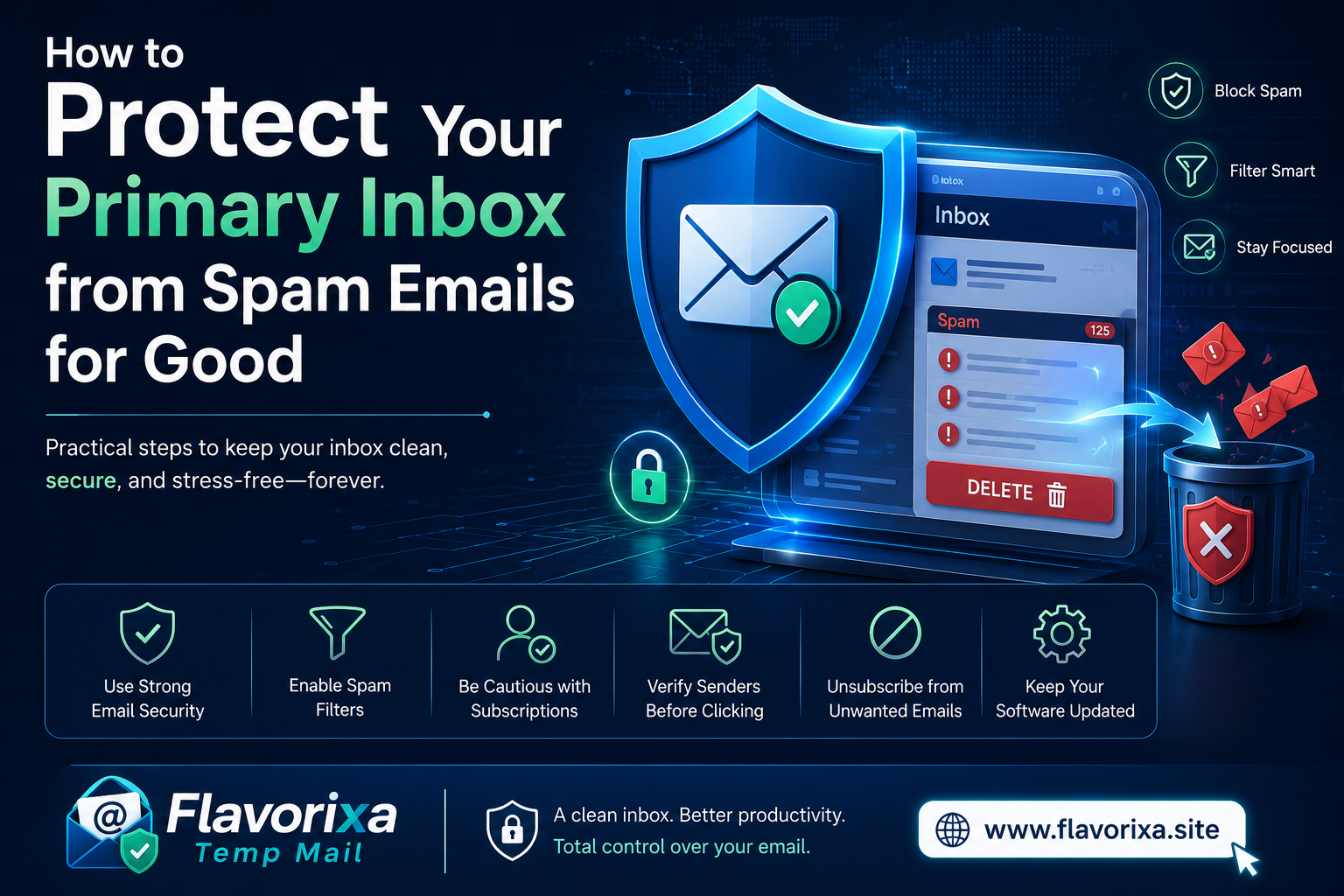
Cleaning up a compromised inbox can feel like an endless game of whack-a-mole. However, with a few smart habits, you can take back control of your privacy and keep your primary inbox permanently clean.
1. The Golden Rule: Never Click "Unsubscribe" on Fake Emails
It sounds counterintuitive, right? When you see an annoying email, your first instinct is to scroll to the bottom and click that tiny "Unsubscribe" link.
If the email is from a legitimate, reputable brand (like Netflix or Spotify), clicking unsubscribe is perfectly safe. But if the email looks suspicious, sketchy, or like a total scam, clicking that link tells the spammers one critical thing: Your email address is active, and a real human is reading it. This will actually trigger more spam, not less. Instead, just hit the "Report Spam" or "Block" button in your email client.
2. Train Your Email Filters Like a Pro
Modern email providers like Gmail, Outlook, and Yahoo have highly advanced AI filters, but they still need your guidance. When a spam email bypasses your main filter and lands in your primary inbox, don’t just delete it.
Take two seconds to manually mark it as "Report Spam." This trains your provider’s algorithm to recognize similar patterns in the future, automatically blocking those senders from ever reaching you again.
3. Use the "+" Trick for Smart Tracking
Did you know that many email providers allow you to create hidden aliases on the fly? If your email is alex@gmail.com, you can sign up for a website using alex+websitename@gmail.com.
The emails will still arrive in your normal inbox, but if you suddenly start receiving junk mail sent to that specific alias, you will know exactly which website leaked or sold your personal data. You can then easily set up a rule to automatically delete any mail sent to that specific tag.
4. The Ultimate Shield: Stop Sharing Your Real Email
The absolute best way to stop spam is to prevent spammers from getting your address in the first place. You shouldn't use your high-security primary email to download a free eBook, read a single forum post, or test out a new online tool.
This is where a temporary email service completely changes the game. By using a disposable email address for one-time registrations and unverified platforms, you create a digital firewall. The website gets its confirmation, and your primary inbox remains completely hidden, untouched, and secure.
Conclusion
Your primary email inbox is your personal digital home; you wouldn't leave your front door wide open for random advertisers to walk in. By training your filters, ignoring shady unsubscribe links, and utilizing temporary emails for casual web browsing, you can build a clean, spam-free environment that prioritizes your digital privacy.
Keep your personal data safe, and let the disposable tools handle the noise.